Learn complete workflows for beautiful interiors images
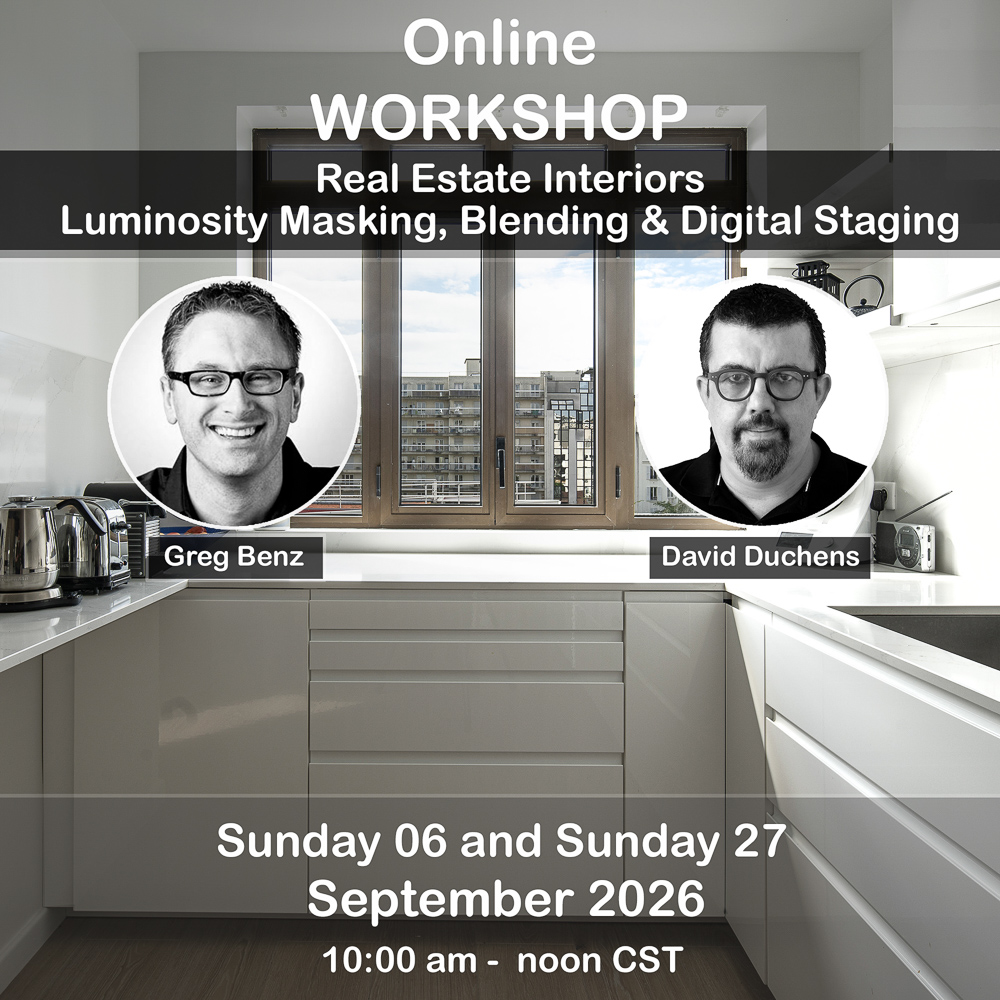
In this workshop, you’ll learn exposure blending techniques to manage windows, how to add staging furniture digitally, and other critical aspects to capture and post-process real estate interiors with a consistent workflow.
What’s included?
~5 hours video recordings from the workshop (includes presentations from David and Greg)
RAW images for you to edit
Presenter notes
Greg’s presentation (Sept 6, 10am – noon CST):
Shooting considerations
How to capture ideal RAW sources for blending
When should you use exposure blending vs flash?
RAW processing:
Optimal RAW processing when preparing for exposure blending
Should you use “merge to HDR”?
Managing white balance / color cast
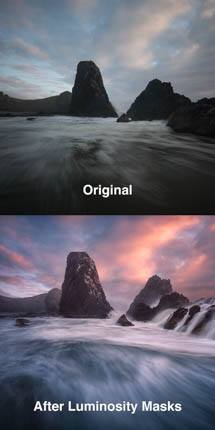
Photoshop / luminosity masking:
Exposure blending
Managing window selections
Bonus: making your images stand out on HDR displays.
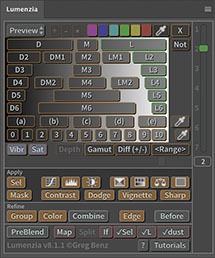
All these techniques will be shown using Lightroom, Photoshop, and the Lumenzia luminosity masking panel for Photoshop.
Greg Benz is a professional landscape and cityscape photographer, Photoshop instructor, and software developer based out of Minneapolis, MN, USA. He is widely known as the developer of the “Lumenzia” luminosity masking panel for Photoshop. See Greg’s work: Website – Instagram
David’s presentation (Sept 27, 10am – noon CST):
Equipment: A review of commonly used photography gear (camera, lenses, accessories).
Shooting: Framing, composition, settings.
Post-processing:
Initial RAW processing
Image straightening: several methods will be presented.
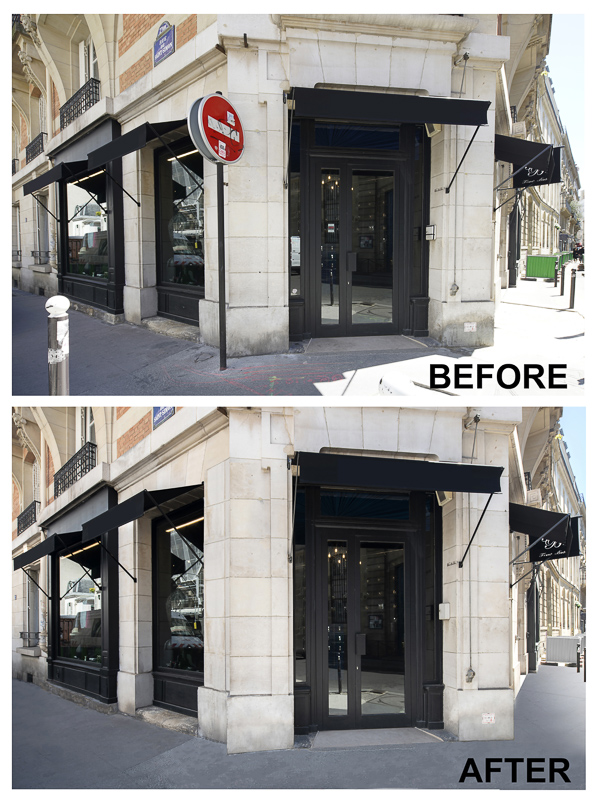
Colorimetry: the adjustments often needed to rebalance colorimetry will be examined. Depending on the situation, localized adjustments may be necessary. Selection techniques will be explained.
Dynamic range: the difference between indoor light and light coming through windows is a “classic” problem, typically causing overexposure around the windows. Corrections will therefore often need to be made in this area to achieve a balanced result.
Localized brightness correction: light coming through the windows that can pose a problem, particularly at floor level.
Removing elements: This is particularly common when the interior being photographed is still in the finishing stages. The various tools will be reviewed, with illustrated examples.
AI: new tools in Photoshop, Topaz Labs Bloom, and digital staging
Other tips
All these techniques will be shown using Photoshop.
David is is a professional architecture photographer and Photoshop instructor specializing in interiors and black and white photography, and is based in the beautiful countryside of France. See David’s work at: Website – Facebook
FAQ:
Q: Who is the intended audience? A: Anyone working in real estate, interiors, or interested in exposure blending techniques. A basic understanding of layers and masks is recommended, but not required.
Q: Is Lumenzia required? A: Greg will be using it for a portion of his edit. If you do not have a luminosity masking panel, you might wish to start by trying his free panel, Lumenzia LITE.
Q: Will we be using HDR? A: The focus is on traditional processing and image export. However, we will briefly touch on two HDR topics: (1) merging images to manage dynamic range and (2) new display technology you can optionally leverage to make your images stand out from the competition on platforms like Instagram.
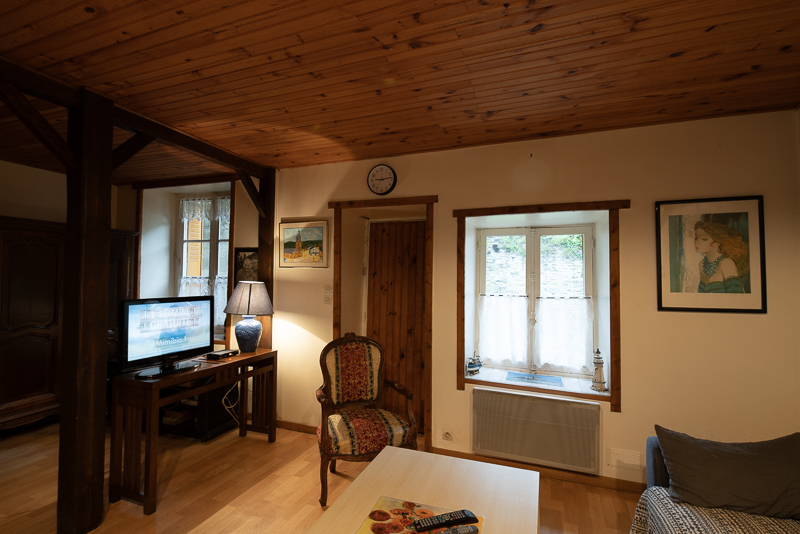
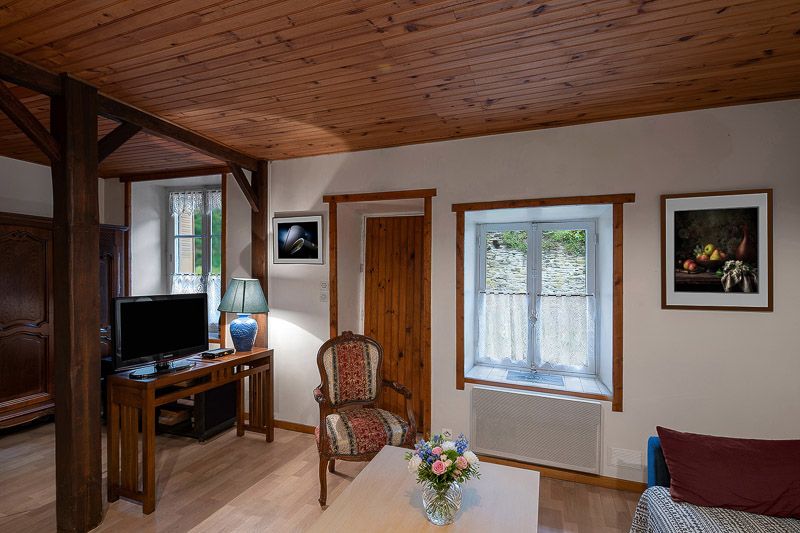
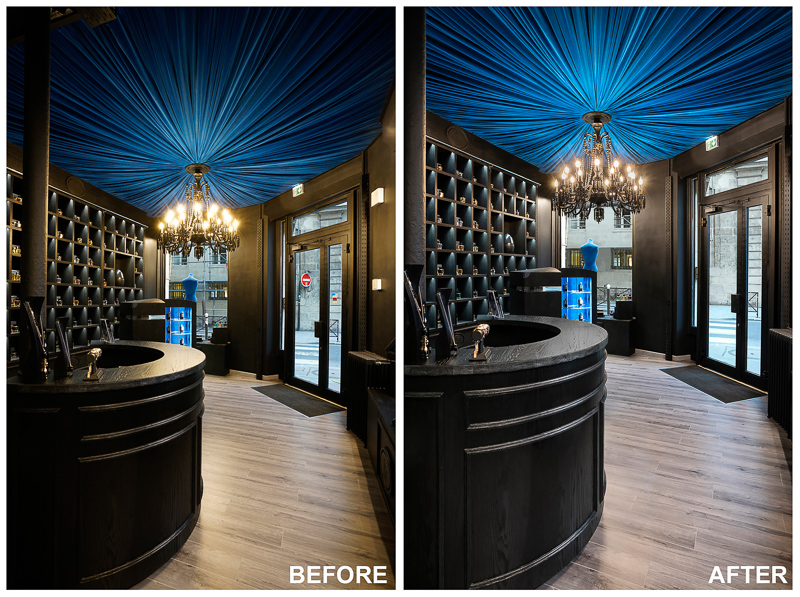
Before and after images typical of what we'll edit: